01
Vector & brand design
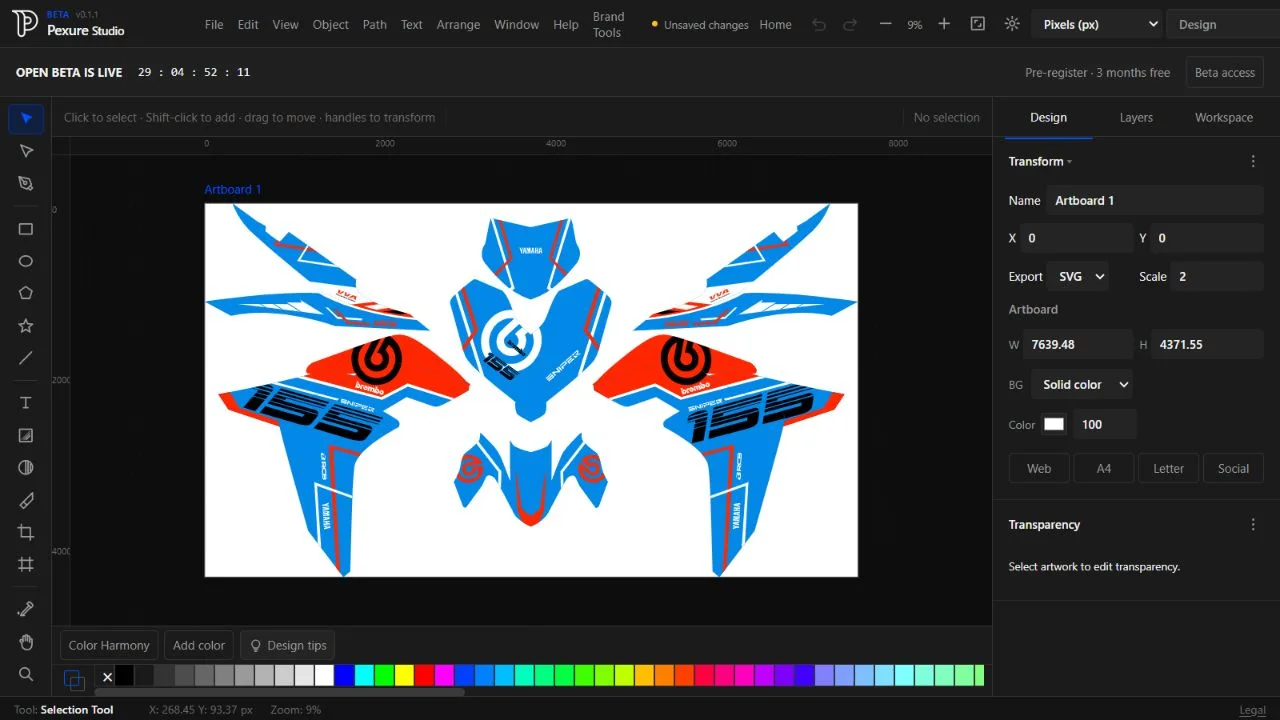
DRAW · REFINE · ARRANGE
Give your ideas a shape.
Build editable artwork with paths, type, color and artboards. Develop logos and visual identities with the vector editor and Brand Tools.
 Pexure Studio
THE ALL-IN-ONE CREATIVE WORKSPACE
Your creative workspace for design, visual content, and digital creation. Bring your ideas to life with powerful creative tools in one browser-based platform.
Explore the current beta. Account requirements vary by workflow.
01 / EXPLORE THE STUDIO
Your ideas should not be limited by a single tool. Pexure Studio brings creative capabilities together in one browser-based workspace, helping you move from inspiration to finished work with less friction.
DRAW · REFINE · ARRANGE
Build editable artwork with paths, type, color and artboards. Develop logos and visual identities with the vector editor and Brand Tools.
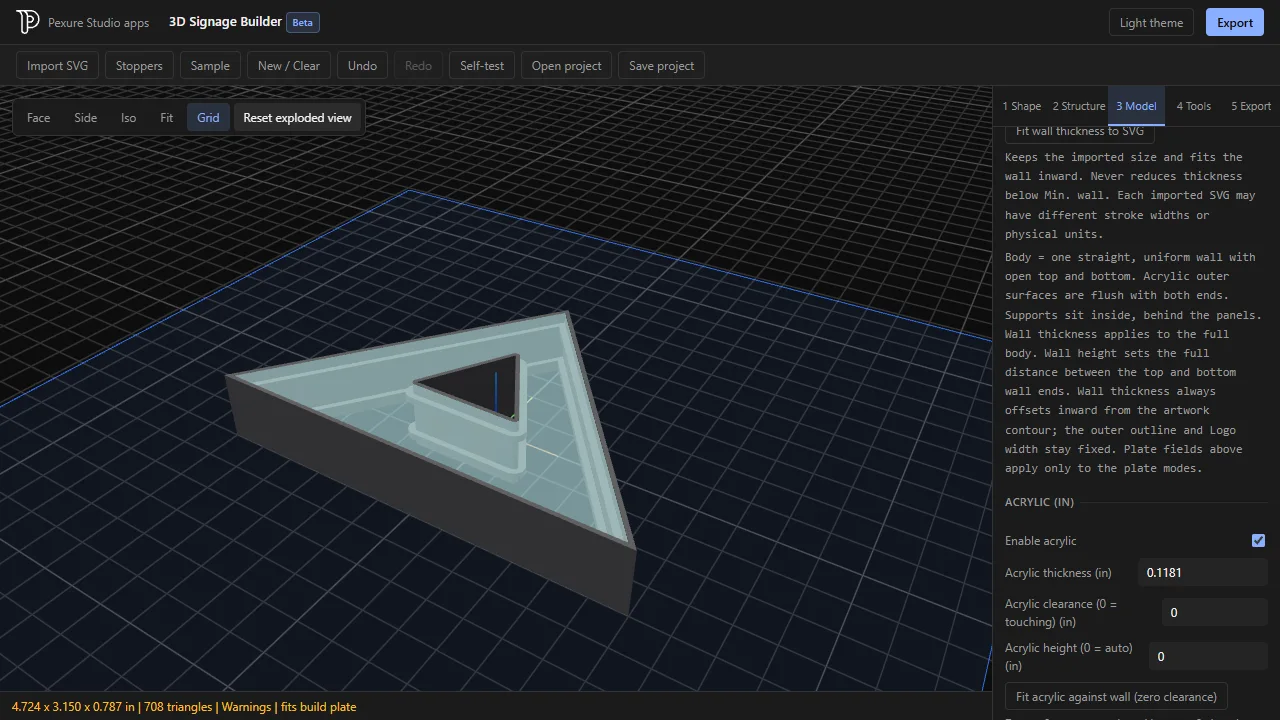
FROM SVG TO SOMETHING SOLID
Turn SVG artwork into raised signs and channel-letter models. Configure walls, acrylic and stoppers, then export your model.
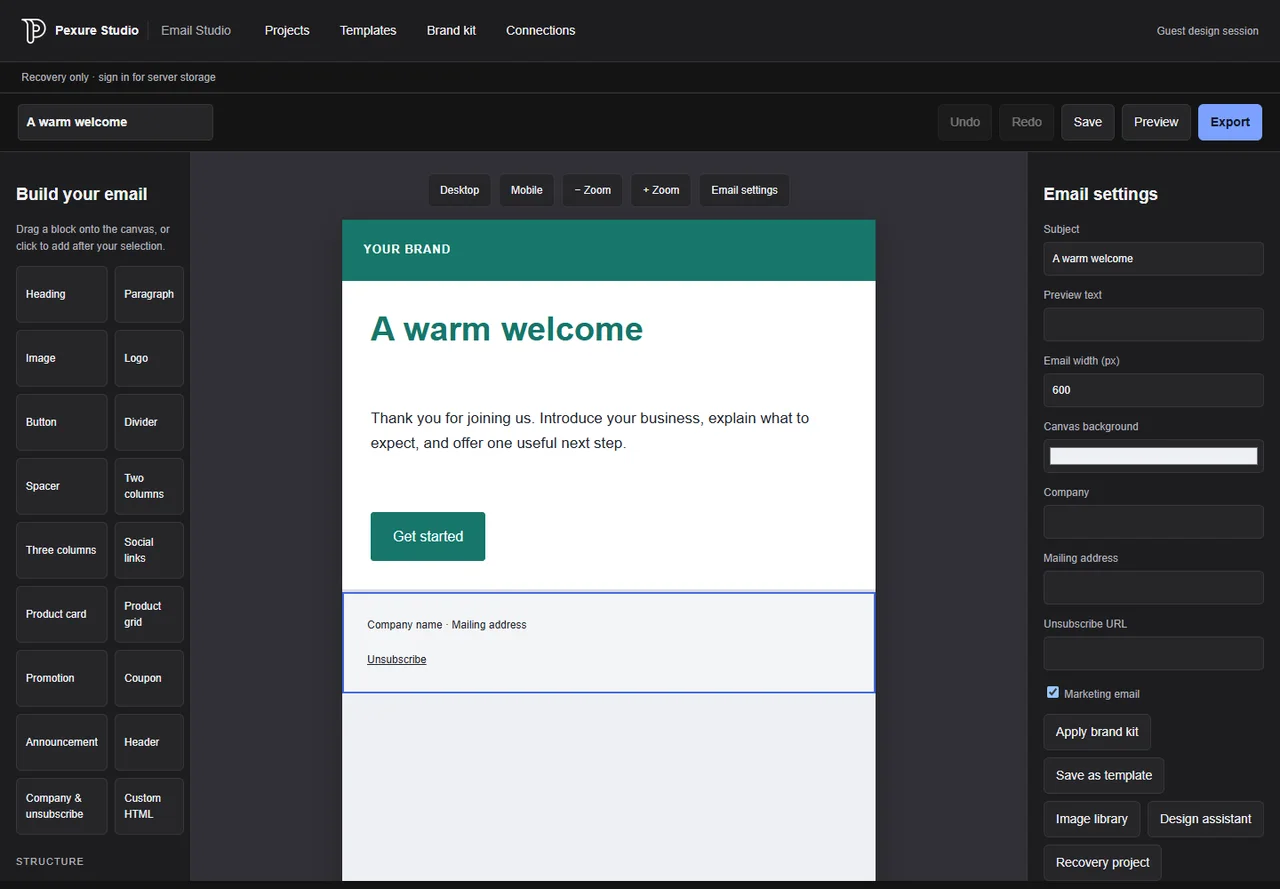
DESIGN · PREVIEW · EXPORT
Start with an editable template, arrange content blocks, apply your brand and export responsive HTML emails. Email sending is not connected.
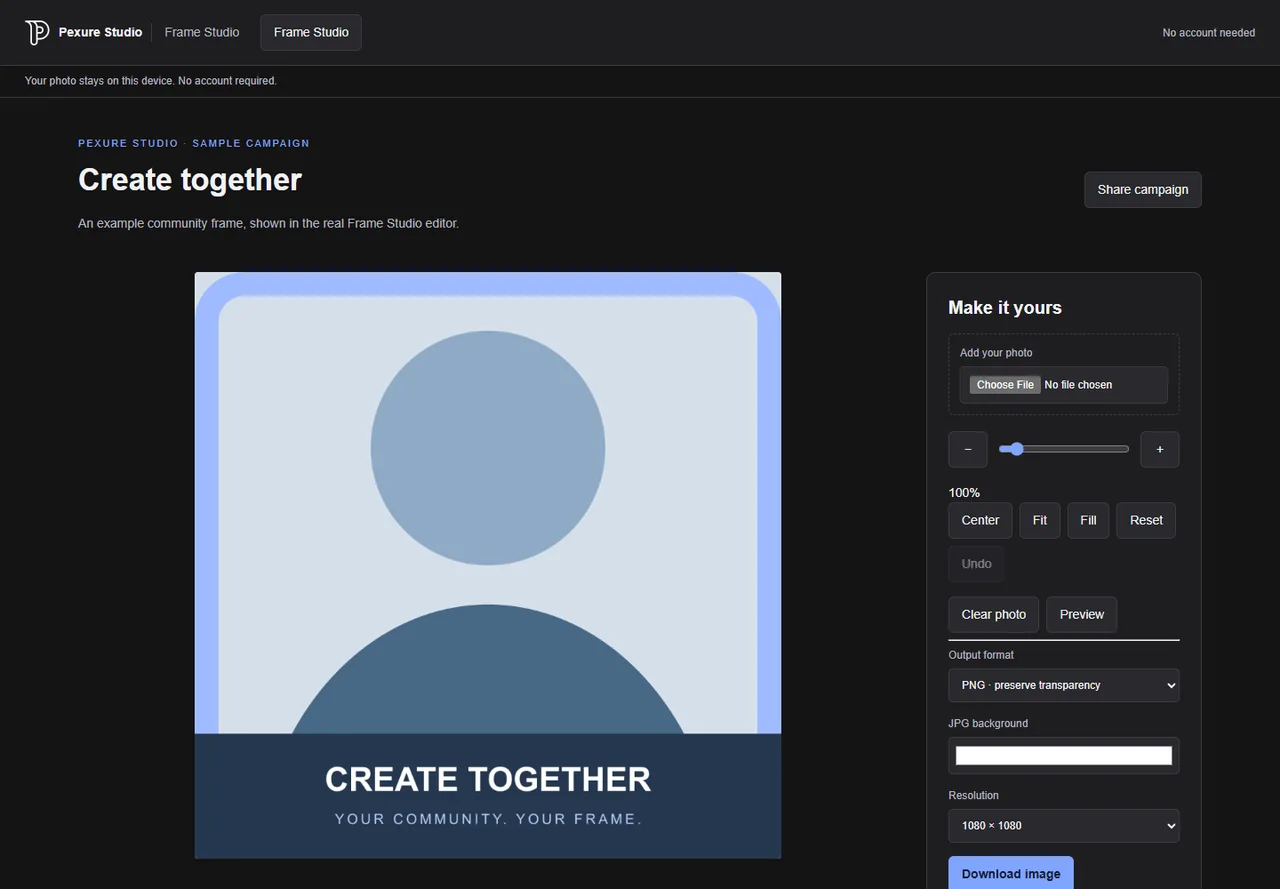
ONE FRAME. A WHOLE COMMUNITY.
Publish a transparent PNG frame campaign. Visitors adjust their own photos, then download a PNG or JPG. Creator accounts are required to publish.
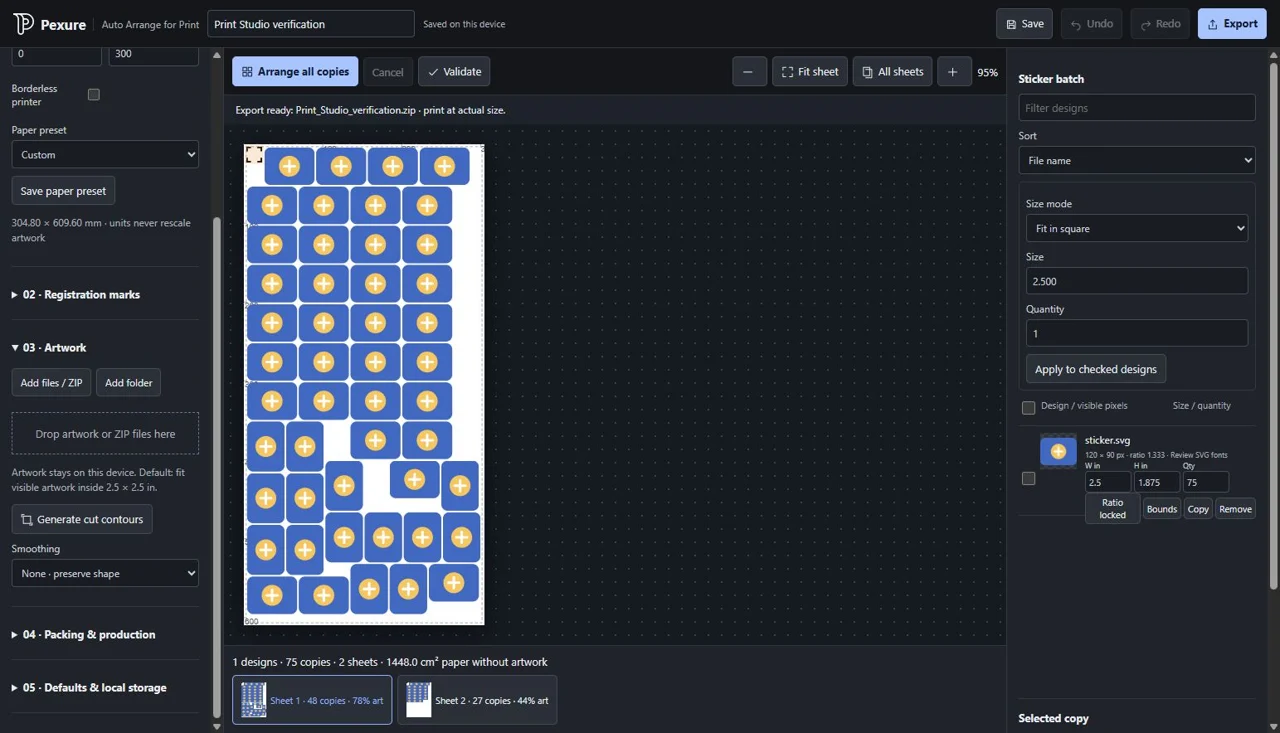
IMPORT · ARRANGE · PRINT
Import artwork, set sizes and quantities, protect registration marks and arrange copies across multiple sheets. Export PDF, PNG and cutting SVGs locally in a separate print workspace.
02 / MAKE IT YOURS
A few directions to explore. These examples come from real Pexure workflows, with sample content where shown.
Draw, refine and arrange editable designs, from logos to everyday visual content.
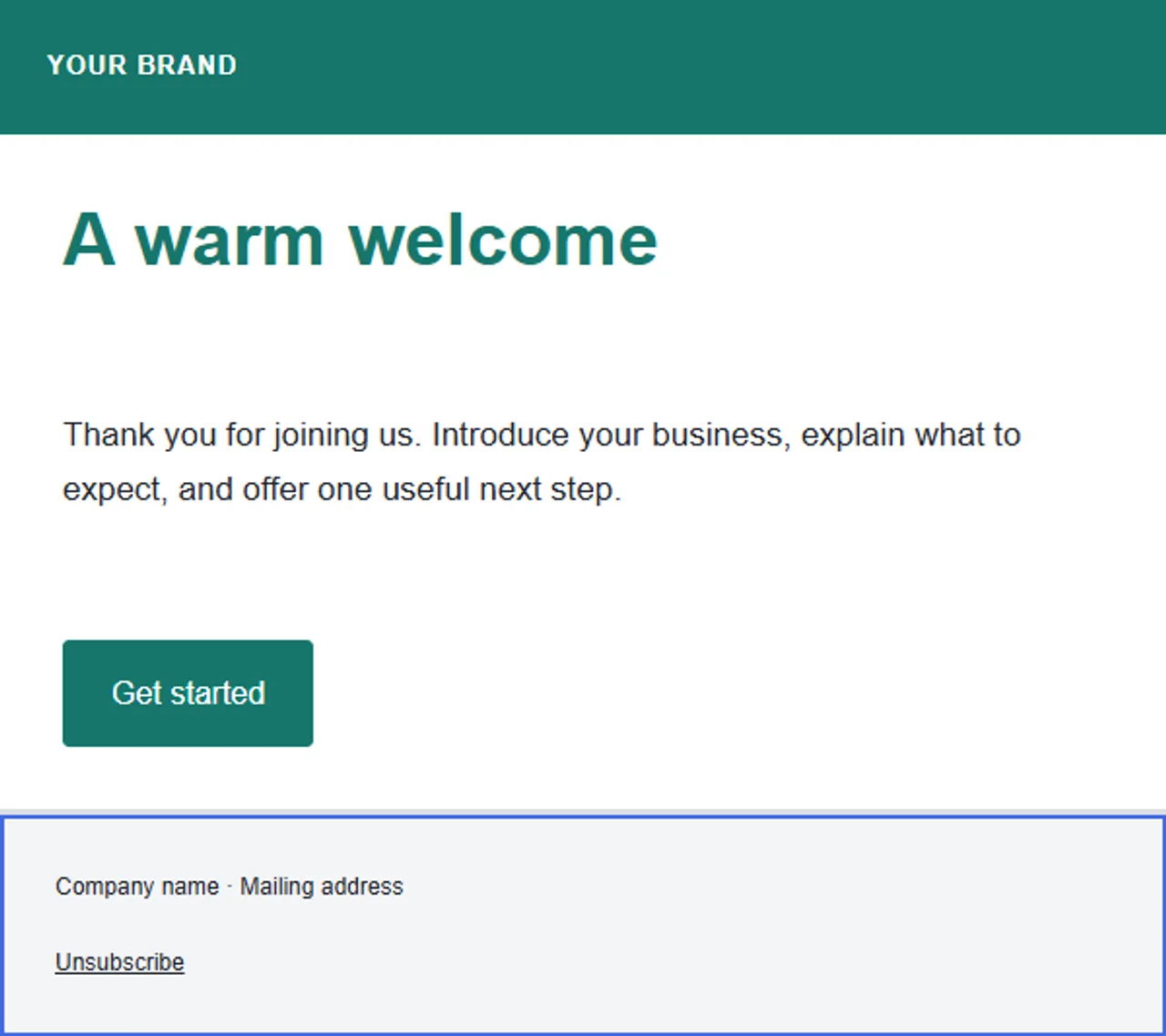
Adapt a template and export an HTML design for your sending workflow.
Share a frame campaign so each visitor can make a personal version.
03 / GET A FEEL FOR THE WORKSPACE
Take a closer look at the real applications. Select a workspace, then open it to try the workflow.
Build editable artwork with paths, type, color and artboards. Develop logos and visual identities with the vector editor and Brand Tools.
Actual application screenshots. Frame and email examples use sample content. Previews are not embedded editors.
04 / FROM IDEA TO OUTPUT
Access Pexure Studio through your browser. Check your account access for the workflow you need.
Explore the available tools and select the one that fits your project.
Create, refine and export your work using the features supported by your chosen application.
BUILT AROUND THE WAY IDEAS MOVE
Open the tools online without a separate desktop installation. Use a modern browser and internet connection to reach the workspace.
Move between artwork, 3D signage, email design and community frame campaigns from one app launcher.
Choose the export that fits your work: SVG or PNG artwork, 3D model files, HTML emails, or finished profile images.
BEFORE YOU START
A browser-based creative platform with a vector and brand design workspace, 3D Signage Builder, Email Studio and Frame Studio. Each application supports its own editing and export workflow.
Requirements vary. A Pexure account is needed to save email projects on the server and to create and publish frame campaigns. Visitors can use a published frame campaign without registering. Open the studio to check current beta access.
Email Studio designs and exports HTML emails. Sending, Gmail connections and business-email provider integrations are not enabled yet.
No. Account access, server-backed projects and published campaigns need an internet connection. A fresh offline launch is not guaranteed.
MAKE SPACE FOR WHAT’S NEXT
Discover a more flexible way to create with Pexure Studio.
Start Creating